Microsoft 365 Plans
Buy Microsoft 365 Business licenses directly through Passion Computing and have full administrative control, full DNS management and old fashioned support when you need it.
Explore Microsoft 365 plans designed for businesses of all sizes. Choose from Microsoft 365 Apps, Microsoft 365 Business, Microsoft 365 Enterprise and Microsoft 365 Copilot solutions to give your team the productivity, communication, collaboration and AI tools they need to work effectively.
Microsoft 365 Business plans
- Business Basic — Best for businesses that primarily work in a browser and need email, Teams and cloud storage without desktop apps.
- Business Standard — Adds fully installed desktop versions of all Office apps plus Microsoft Bookings and webinar hosting. Our most popular plan for small businesses.
- Business Premium — Everything in Standard plus advanced security, Microsoft Defender for Business, and Intune device management. Recommended if your team works remotely or handles sensitive data.
Not sure which plan suits you? Contact us and we'll help you decide — no sales pressure, just honest advice.
Microsoft 365 and Office 365 commercial pricing increases went into effect on July 1, 2026
Available Plans
Microsoft 365 Business Basic
AU$15.20 per user paid monthly
AU$170 per user paid yearly($14.16/month)
Apps and services to kick-start your business, including:
- Identity, access, and user management for up to 300 employees
- Custom business email (you@yourbusiness.com)
- Web and mobile versions of Word, Excel, PowerPoint, and Outlook
- Chat, call, and video conference with Microsoft Teams
- 1 TB of cloud storage per employee
- 10+ additional apps for your business needs (Microsoft Bookings, Planner, Forms, and others)
- Automatic spam and malware filtering
- Anytime phone and web support
- Microsoft 365 Copilot, available as an add-on
Microsoft 365 Business Standard
AU$29.90 per user paid monthly
AU$330.00 per user paid yearly($27.50/month)
Everything in Business Basic, plus:
- Desktop versions of Word, Excel, PowerPoint, and Outlook
- Webinars with attendee registration and reporting
- Collaborative workspaces to cocreate using Microsoft Loop
- Video editing and design tools with Microsoft Clipchamp
- Microsoft 365 Copilot, available as an add-on
Desktop, web, and mobile apps and secure cloud services:
Microsoft 365 Business Premium
AU$44.88 per user paid monthly
AU$450.00 per user paid yearly($37.50/month)
Everything in Business Standard plus
-
Advanced identity and access management
-
Enhanced cyberthreat protection against viruses and phishing attacks
-
Enterprise-grade device and endpoint protection
-
Discover, classify, and protect sensitive information
-
Microsoft 365 Copilot, available as an add-on
Desktop, web, and mobile apps and secure cloud services:
Microsoft 365 Apps For Business
AU$20.15 per user paid monthly
AU$201.50 per user paid yearly($16.79/month)
- Desktop versions of Word, Excel, PowerPoint, and Outlook
- 1 TB of cloud storage per user
- Anytime phone and web support
- Microsoft 365 Copilot, available as an add-on
Desktop, web, and mobile apps and secure cloud services:
Microsoft 365 Enterprise plans
Not sure which plan suits you? Contact us and we'll help you decide — no sales pressure, just honest advice.
Microsoft 365 and Office 365 commercial pricing increases went into effect on July 1, 2026
Available Plans
Office 365 E1 (no Teams)
AU$19.92 per user paid monthly
AU$194.40 per user paid yearly($16.20/month)
-
Office apps (Online only)Email and calendar
-
Meetings and voice
-
Social and intranet
-
Files and content
-
Work management
-
Advanced analytics
-
Device and app management
-
Identity and access management
Office 365 E3 (no Teams)
AU$56.35 per user paid monthly
AU$563.50 per user paid yearly($46.96/month)
Everything in Office 365 E1 (no Teams) plus
-
Install Microsoft 365 apps on up to five PCs or Macs, five tablets, and five mobile devices per user
-
Message encryption
-
Rights management
-
Data loss prevention for email and files
-
Microsoft 365 Copilot, available as an add-on
-
Teams available as add-on
Microsoft 365 E3 (No Teams)
AU$84.70 per user paid monthly
AU$847.00 per user paid yearly($70.25/month)
-
Microsoft 365 apps
-
Email and calendar
-
Meetings and voice
-
Device and app management
-
Social and intranet
-
Files and content
-
Work management
-
Advanced analytics
-
Threat protection
-
Identity and access management
-
Information protection
-
Security management
-
Advanced compliance
Microsoft 365 E5 (no Teams)
AU$123.30 per user paid monthly
AU$1233 per user paid yearly($102.75/month)
Everything in Microsoft 365 E3 (no Teams) plus
-
Advanced security and compliance capabilities
-
Scalable business analytics with Power BI
-
Microsoft 365 Copilot, available as an add-on
-
Teams available as add-on
Quick Comparison between Business and Enterprise
| Feature | Microsoft 365 Business | Microsoft 365 Enterprise |
|---|---|---|
| Max users | Up to 300 users | Unlimited users |
| Target audience | Small to medium businesses | Large organisations |
| Core apps | Word, Excel, Outlook, Teams, OneDrive | Word, Excel, Outlook, Teams, OneDrive |
| Desktop apps | Business Standard & Premium | E3 and E5 |
| Security | Business-grade | Advanced enterprise security |
| Compliance | Basic | Advanced |
| Device management | Business Premium | Full enterprise management |
| Identity management | Basic Entra | Advanced Entra |
| Analytics | Standard | Advanced |
| Pricing | Lower | Higher |
Core of Office 365
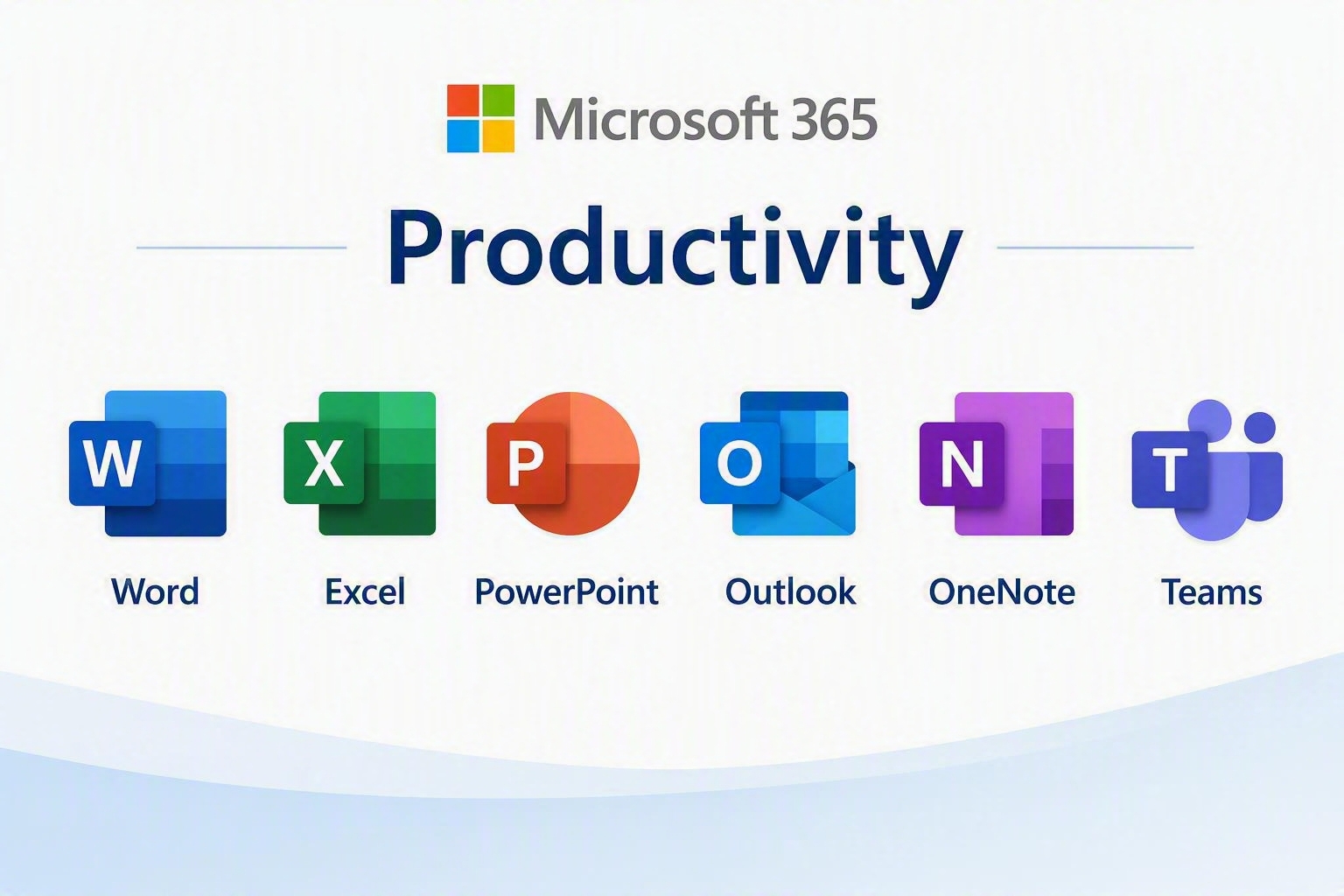
Microsoft 365 Productivity tools help users create, analyse, present, and organise information efficiently. Word is used for document creation, Excel for data analysis and reporting, PowerPoint for presentations, and OneNote for capturing and organising notes. Together, these applications form the foundation of everyday business productivity.
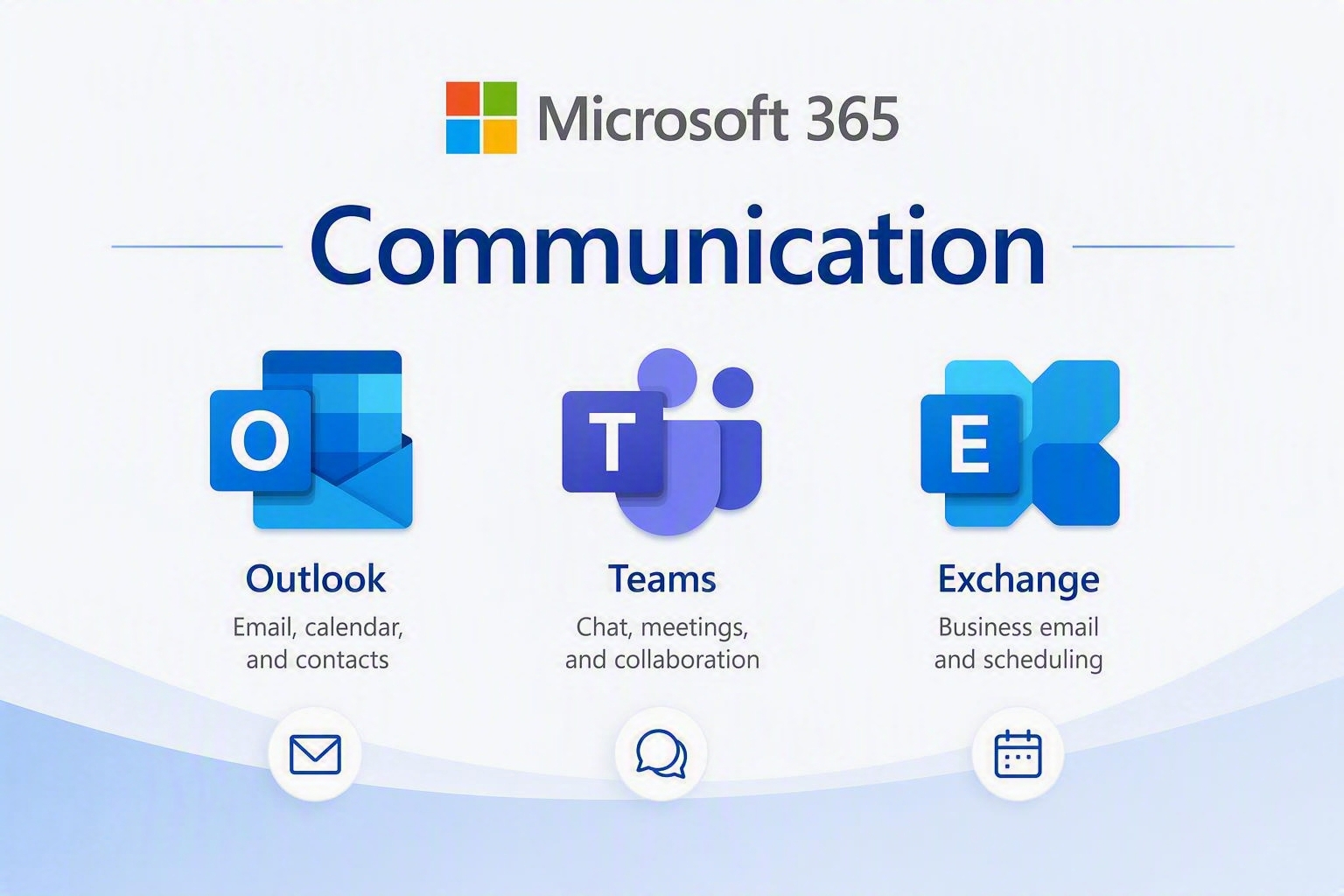
Microsoft 365 Communication tools enable seamless email, messaging, meetings, and scheduling. Outlook manages email and calendars, Teams provides chat, video conferencing, and collaboration features, while Exchange Online delivers secure business email services and scheduling capabilities. These tools keep employees connected wherever they work.
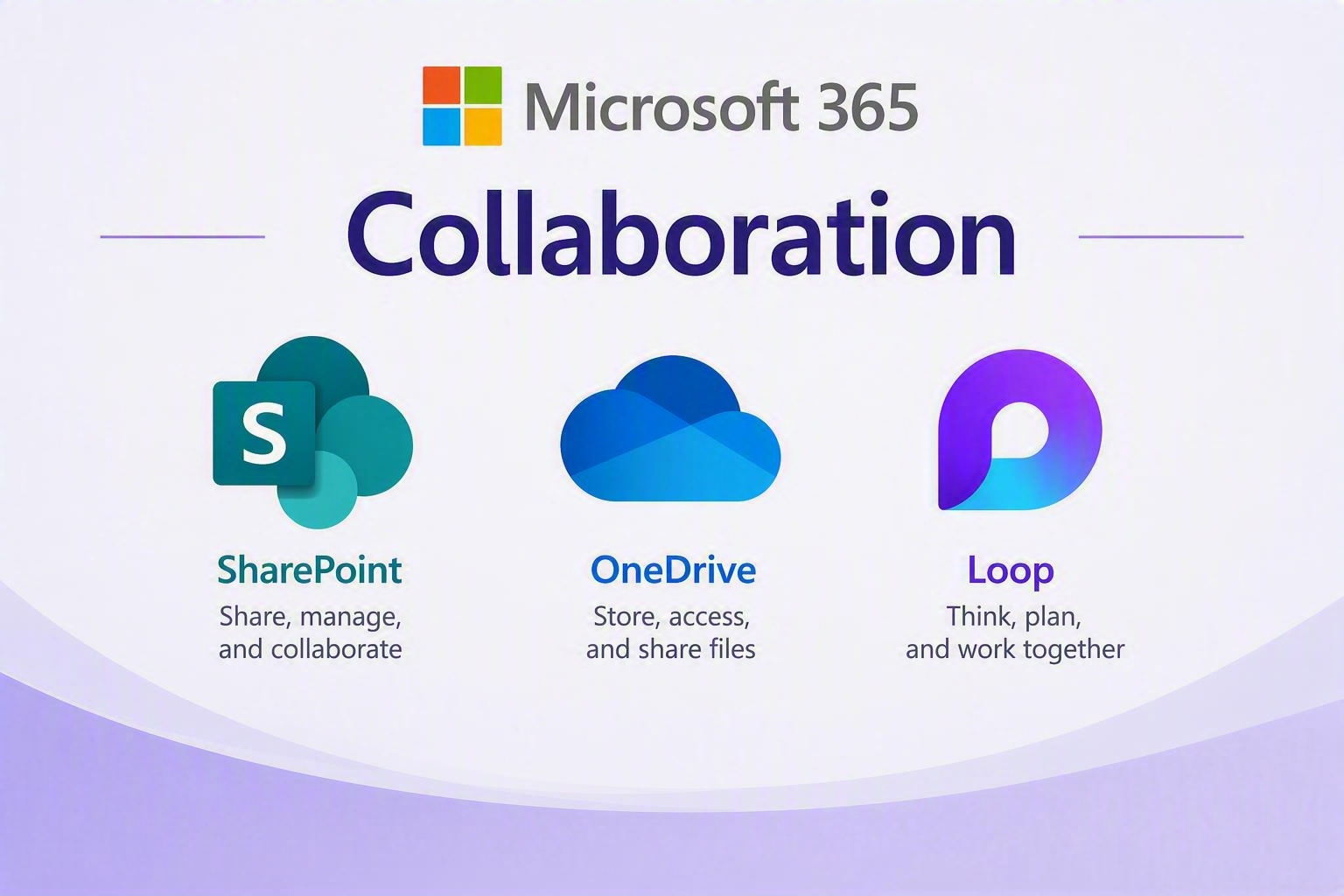
Microsoft 365 Collaboration tools allow teams to work together and share information in real time. SharePoint provides team sites and document management, OneDrive offers secure cloud file storage and sharing, and Loop enables collaborative workspaces where users can co-create content and ideas. Together, these tools support modern teamwork and knowledge sharing.
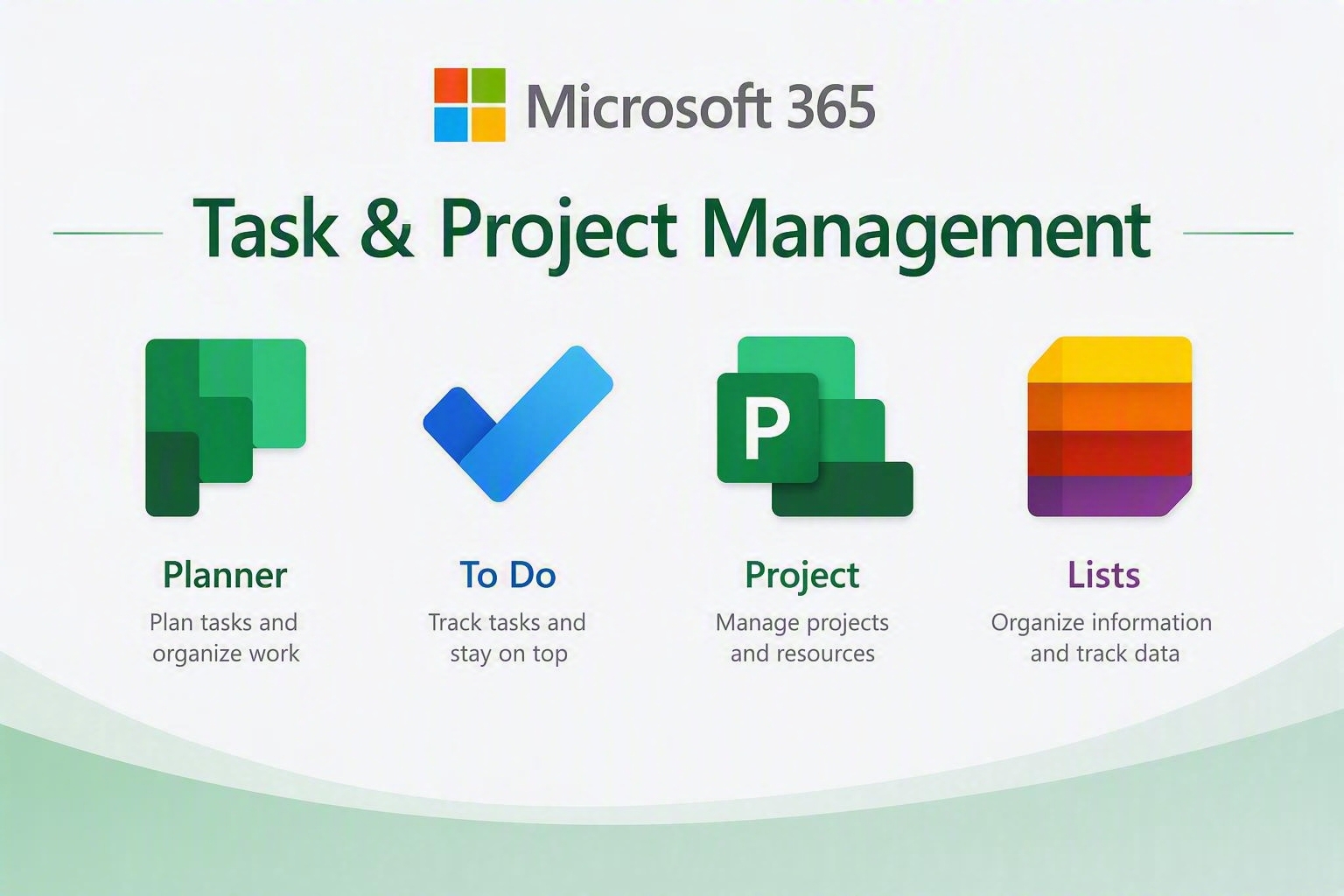
Microsoft 365 Task and Project Management tools help users organise work, track progress, and manage resources. Planner simplifies team task management, To Do helps individuals stay organised, Project provides advanced project planning capabilities, and Lists tracks information and workflows. These tools improve visibility, accountability, and productivity across projects.
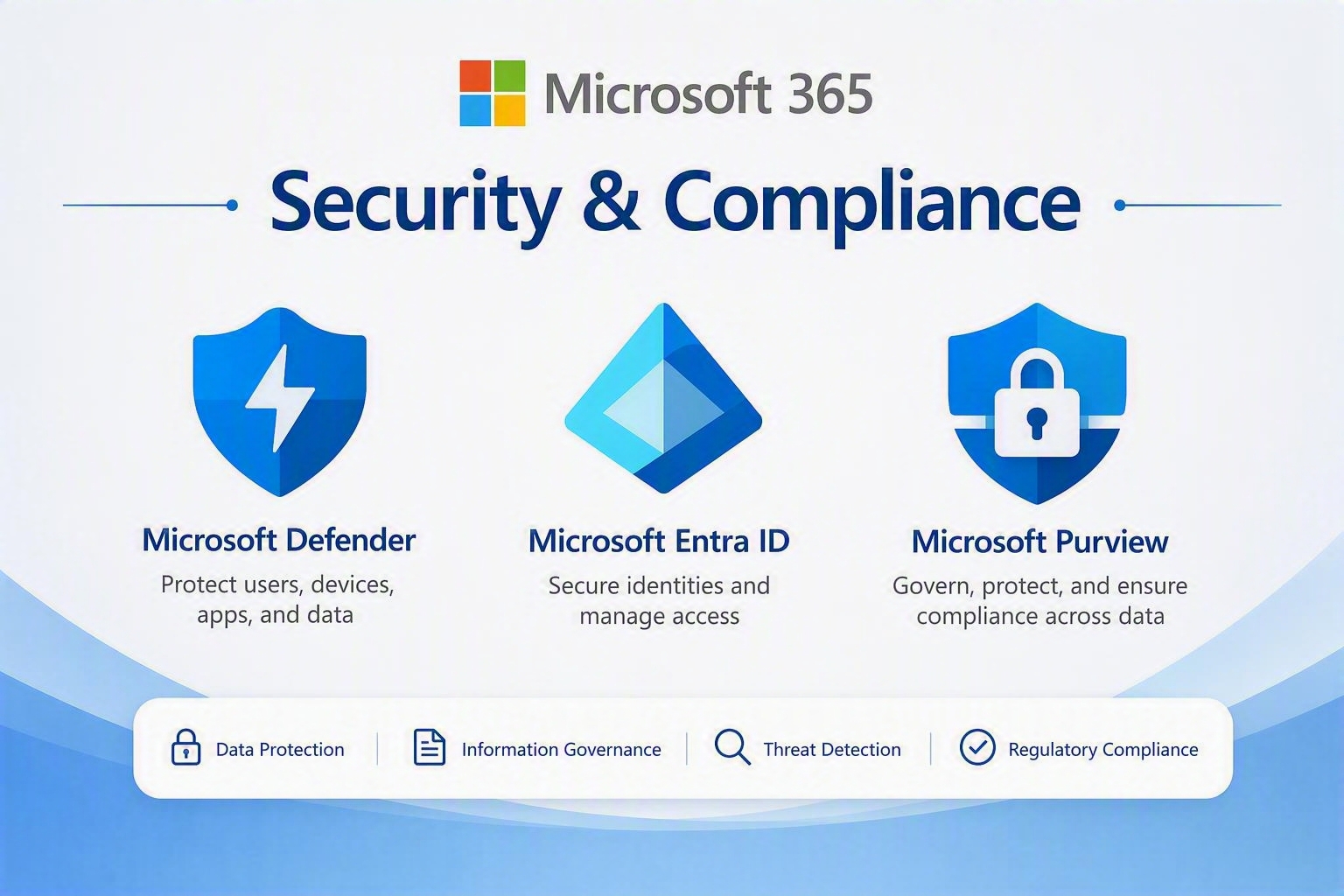
Microsoft 365 Security and Compliance tools protect users, devices, and organisational data. Microsoft Defender provides threat protection, Entra ID manages identity and access control, and the Compliance Centre helps organisations meet regulatory and governance requirements. Together, they provide a secure and compliant digital workplace.
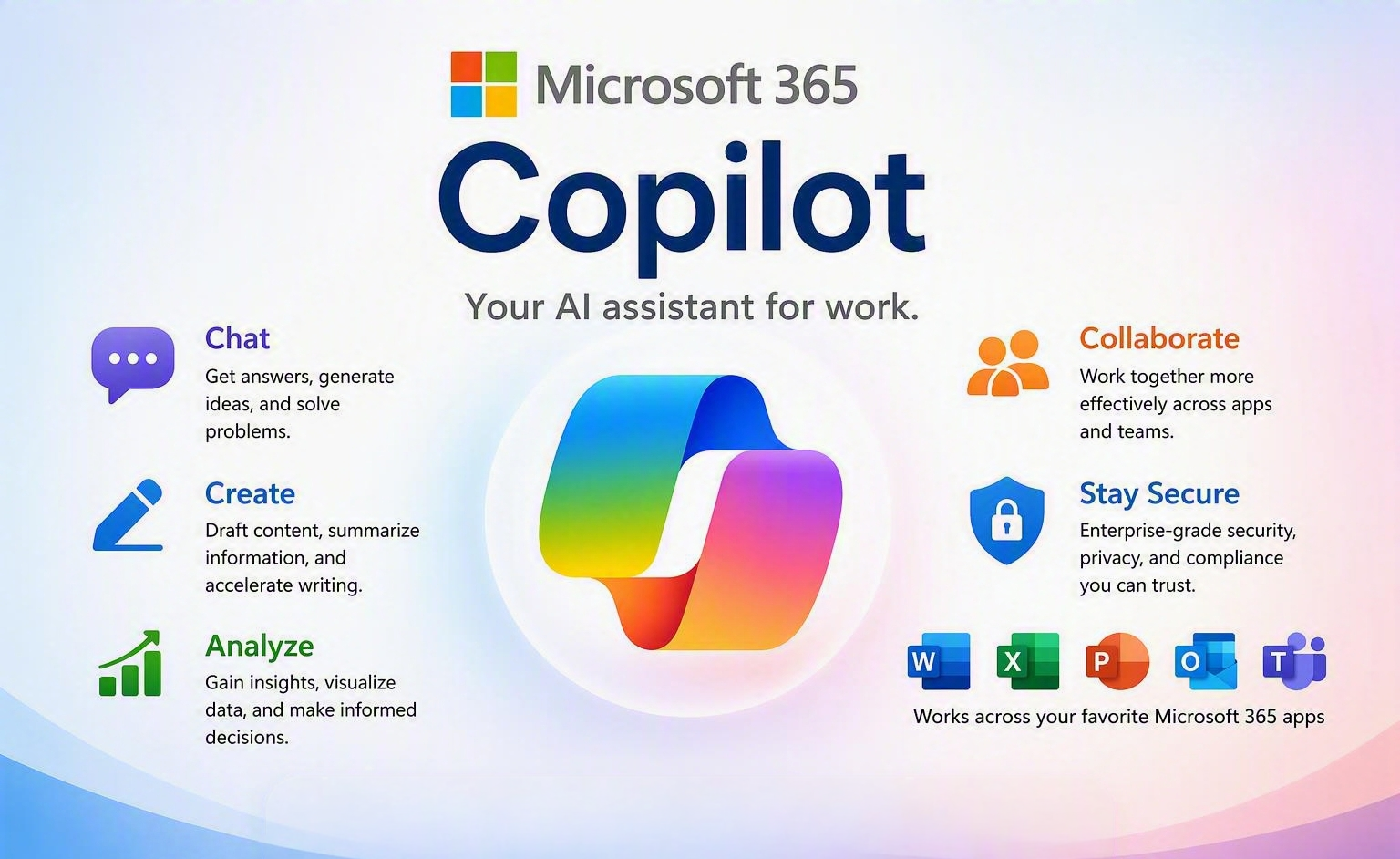
Microsoft 365 Copilot is an AI-powered assistant that works across Microsoft 365 applications to help users be more productive, creative, and efficient. Integrated into apps such as Word, Excel, PowerPoint, Outlook, and Teams, Copilot can draft content, summarise information, analyse data, create presentations, and automate routine tasks using natural language prompts. By combining the power of AI with your organisational data and Microsoft 365 tools, Copilot helps users save time, improve decision-making, and focus on higher-value work
Addons and apps for Microsoft 365
Already have a Microsoft 365 subscription through Passion Computing? You can extend it with these powerful add-ons:
Microsoft Project — Full project management with Gantt charts, resource scheduling and reporting. Available in Plan 1, 3 and 5.
Microsoft Visio — Professional diagramming for flowcharts, org charts, network diagrams and more. Available in Plan 1 and 2.
Microsoft Defender XDR — Advanced cross-platform threat detection and response for organisations with elevated security needs.
Power BI Pro — Turn your business data into visual dashboards and shareable reports.
Additional OneDrive Storage — Expand beyond your default 1TB allocation with add-on storage plans.
Contact us to add any of these to your existing Passion Computing Microsoft 365 subscription.
Microsoft Defender for Office 365 (Plan 1)
AU$4.00 per user paid monthly
AU$39.97 per user paid yearly
-
Protection against advanced attacks, such as phishing, malware, spam, and business email compromise
-
Protection beyond email (Microsoft Teams, SharePoint, OneDrive, and Office apps)
-
Internal email protection
-
Detailed reporting
Microsoft Defender for Office 365 (Plan 2)
AU$10.21 per user paid monthly
AU$102.16/yr per user paid yearly
-
Protection against advanced attacks, such as phishing, malware, spam, and business email compromise
-
Protection beyond email (Microsoft Teams, SharePoint, OneDrive, and Office apps)
-
Internal email protection
-
Detailed reporting
-
Advanced threat hunting
-
Automated investigation and response
-
Microsoft 365 Defender (XDR) capabilities, such as cross-domain hunting and incident correlation
Microsoft Project (Plan 1)
AU$20.28 per user paid monthly
AU$202.82 per user paid yearly
-
Project Home
-
Grid view
-
Board view
-
Timeline (Gantt) view
-
Collaboration and communication
-
Coauthoring
-
Project planning and scheduling
-
Reporting
-
Roadmap (read-only)
-
Timesheet submission
Microsoft Project (Plan 3)
AU$61.00 per user paid monthly
AU$609.98 per user paid yearly
-
Project Home
-
Grid view
-
Board view
-
Timeline (Gantt) view
-
Collaboration and communication
-
Coauthoring
-
Project planning and scheduling
-
Reporting
-
Roadmap
-
Timesheet submission
-
Resource management
-
Desktop client
Microsoft Visio (Plan 1)
AU$10.21 per user paid monthly
AU$102.16 per user paid yearly
-
Collaboration and sharing
-
Intelligent diagramming
-
User experience and features
-
Templates, stencils, and shapes
-
Accessibility, security, and compliance
Microsoft Visio (Plan 2)
AU$30.50 per user paid monthly
AU$305 per user paid yearly
-
Collaboration and sharing
-
Intelligent diagramming
-
User experience and features
-
Templates, stencils, and shapes
-
Accessibility, security, and compliance
-
Connecting diagrams to data
-
Integrations with Microsoft 365 apps
-
Desktop version of Visio app for PC
Microsoft OneDrive (Plan 1)
AU$10.21 per user paid monthly
AU$102.16 per user paid yearly
-
1 TB per user
-
File sharing
-
Anywhere access
-
Productivity tools
-
Advanced security
Microsoft OneDrive (Plan 2)
AU$20.28 per user paid monthly
AU$202.82 per user paid yearly
-
Unlimited individual storage
-
File sharing
-
Anywhere access
-
Productivity tools
-
Advanced security
Microsoft PowerBI Pro
AU$20.28 per user paid monthly
AU$202.82 per user paid yearly
-
Mobile app access
-
Publish reports to share
-
Paginated (RDL) reports
-
Model size limit 1 GB
-
Refresh rate 8/day
-
Connect to more than 100 data sources
-
Create reports and visualizations with Power BI Desktop
-
Embed APIs and controls
-
AI visuals
-
Data security and encryption
-
Metrics for content creation, consumption, and publishing
-
Maximum storage 10 GB/user
Microsoft Copilot
$602.00 user/year
(Annual subscription-auto renews)
-
Experience enterprise-grade security, privacy, and compliance
-
Customize and extend your copilot with Microsoft Copilot Studio Preview
-
Access Copilot in Microsoft 365 apps such as Word, Excel, PowerPoint, Outlook, and Teams
-
Use AI-powered chat with secure access to organizational graphs
Teams Essentials
AU$9.00 per user paid monthly
AU$75.00 per user paid yearly
- Online meetings with up to 300 participants
- Meetings up to 30 hours long
- Meeting recordings and transcripts
- Unlimited one-to-one and group chat
- Guest access for external users
- 10 GB cloud storage per user
- File sharing and collaboration
- Task assignment and polls
- Outlook and Google Calendar integration
- Screen sharing
- Custom backgrounds
- Desktop, web and mobile apps
- End-to-end data encryption
- Microsoft Bookings included
- Use your existing email address